Made by you. Multiplied.
Generate with the newest models, keep every layer editable, and cut, caption and export video without leaving the browser.
One studio, 0+ models from 16 providers.
Real, editable layers4K export in the browserYour own key welcome
A face that
stays consistent.
Build an avatar identity once and reuse it across portraits, UGC-style videos and campaign shots, the same face in every frame.
Meet the avatars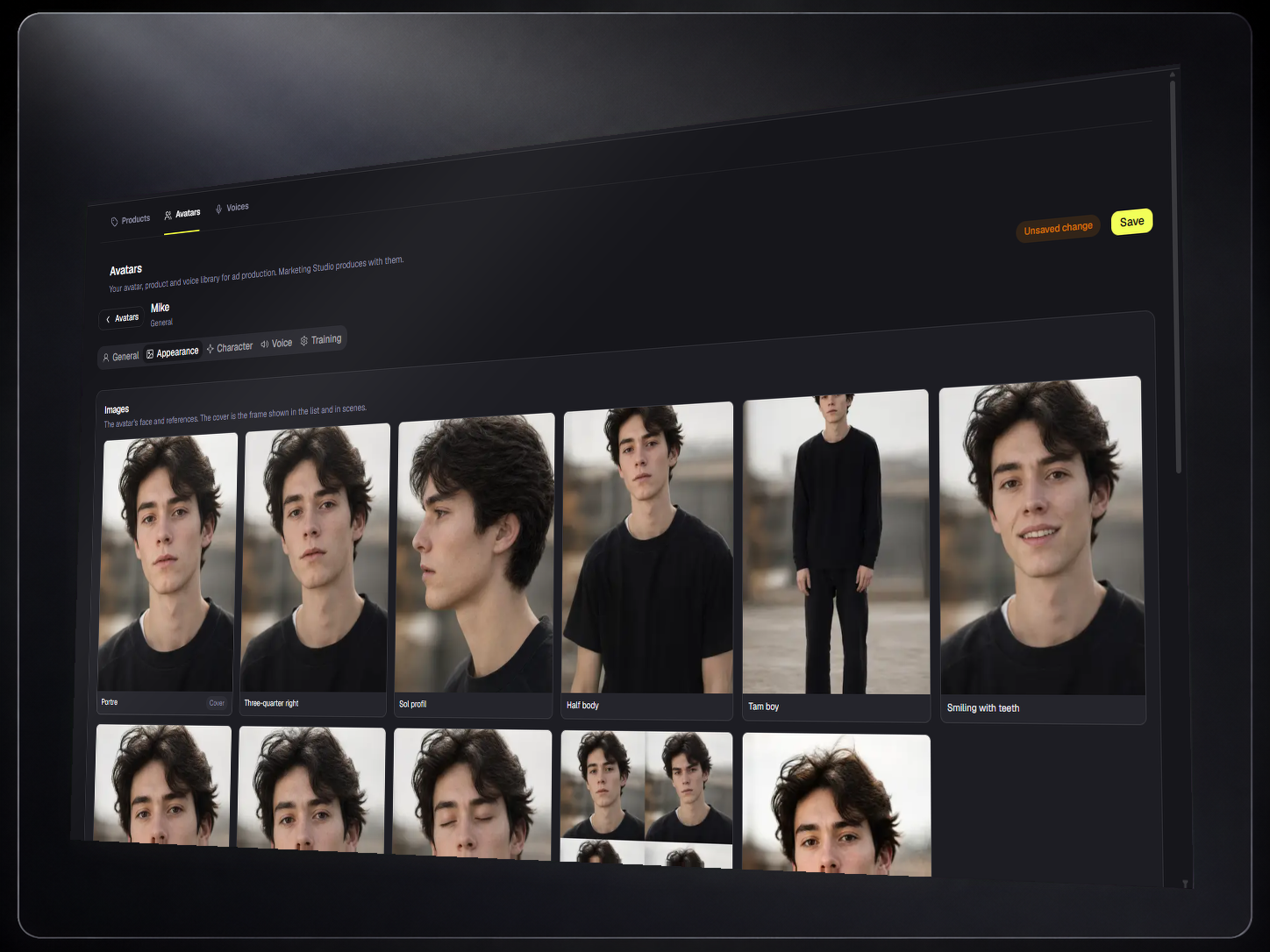
Cut, caption,
deliver.
Auto captions, silence cuts, multicam and speed curves, then hardware-accelerated 4K export, all in the browser.
Explore the video studio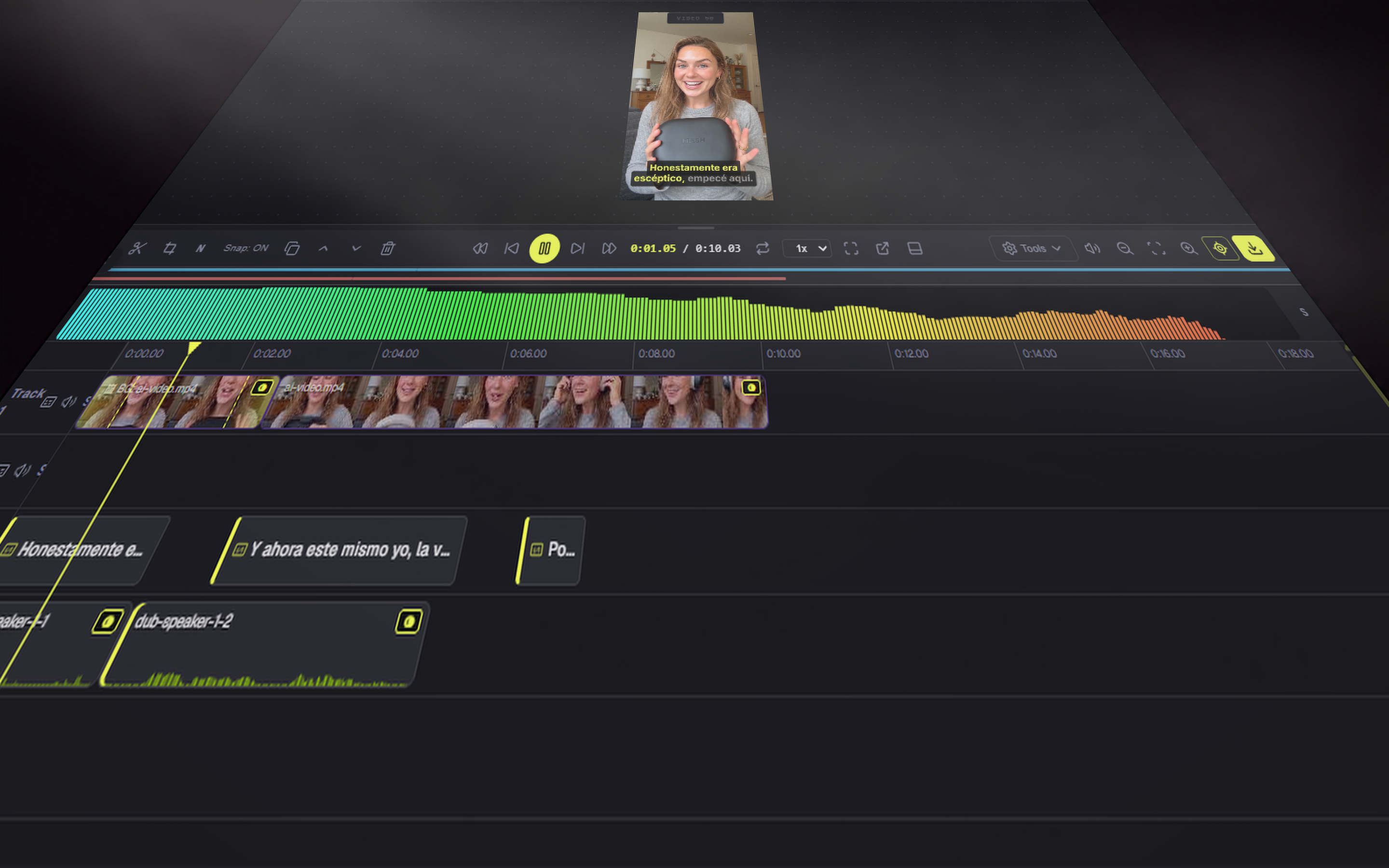
Every model.
One chat.
Chat, image and video modes behind one composer, grounded web search included, or bring your own provider key.
Try the assistant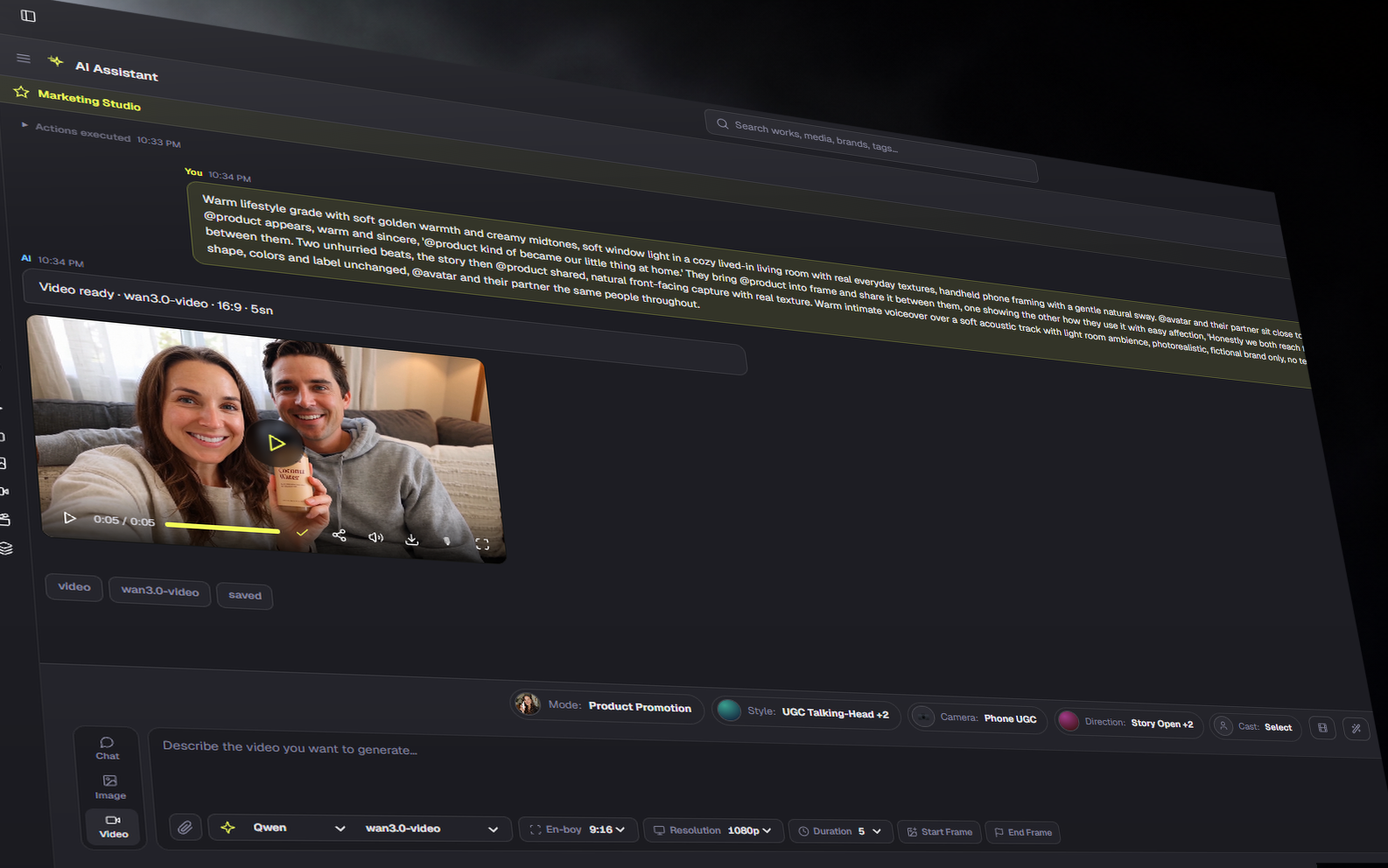
From idea to posted.
Brief it
Describe the piece, drop a product shot or pick a recipe format.
Make it
Generate with any model, then edit the real layers on the canvas.
Ship it
Export stills or 4K video, or let an automation publish on schedule.
Before you start.
Can I use Dika Studio for free?
Yes. Open a free account whenever you want. You can explore community work, keep using the editor and connect your own provider key without starting a paid plan.
What happens when managed credits run out?
Managed generation pauses. Your projects and editor remain available, and you can add a one-time credit pack or continue with an approved provider key.
Can I change or cancel my plan?
Yes. You can change or cancel from the customer panel. Cancellation stops the next renewal; your current access continues through the paid period.
Built for the whole launch.
Start the idea. Finish the work.
Free to start, source available, and every result stays editable.