
Your products, ready to sell.
Product shots, try-on shoots and ads from the catalog you already have, then written back to your store on schedule.

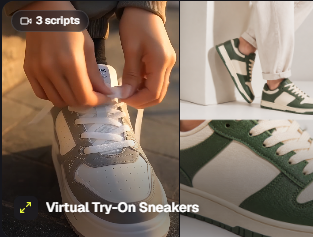
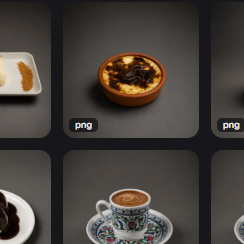
From catalog to storefront, one studio.
Shots without a photo studioProducts in, visuals outWooCommerce + WordPress write-back
Shoot the catalog,
skip the studio.
Product, try-on and campaign shoots framed from your own products and avatars, priced per render, saved to your library.
Open Ads Studio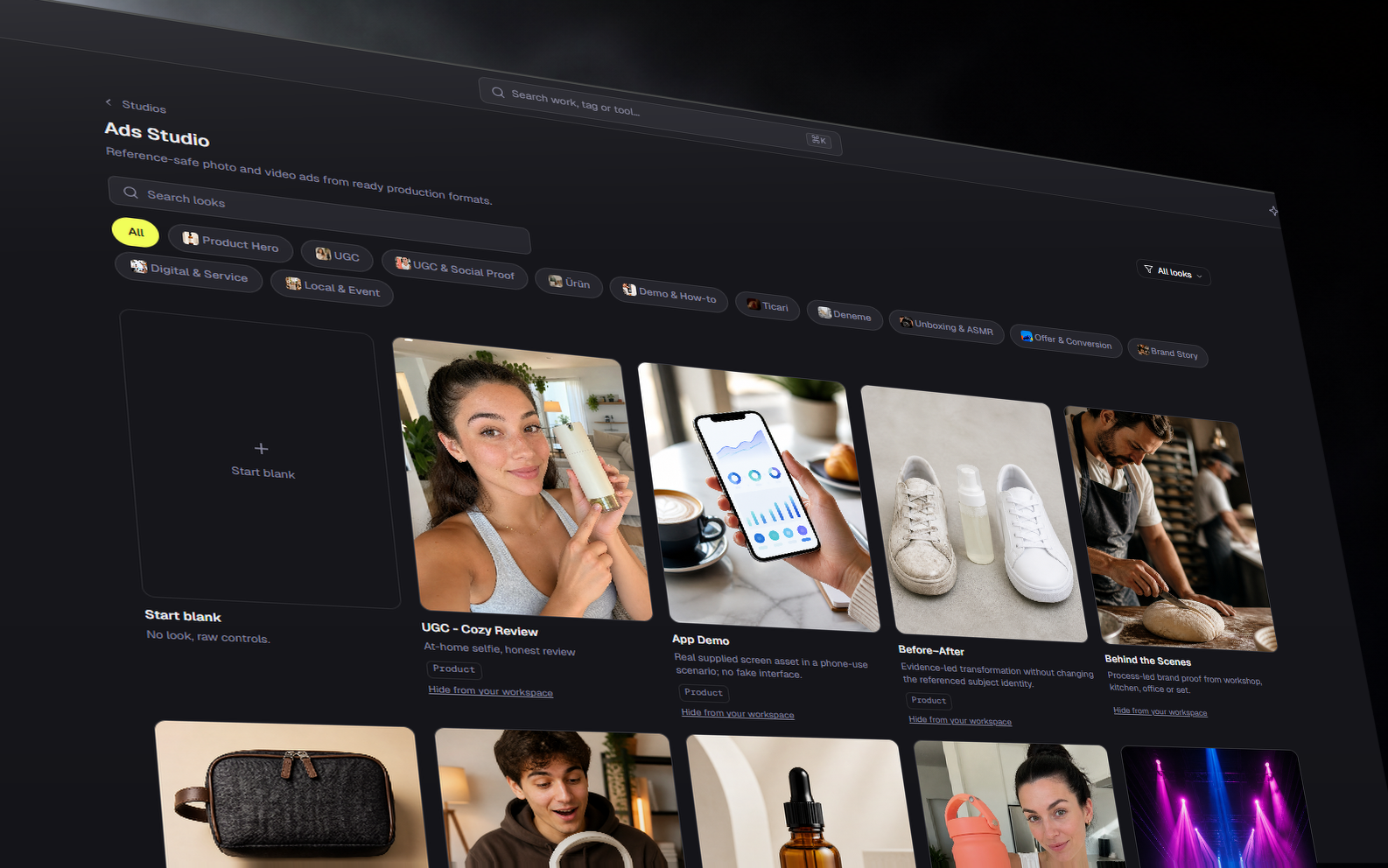
One design,
every product.
Point one design at the product catalog and get a finished page per product, names and prices filled from the real rows.
Open the editor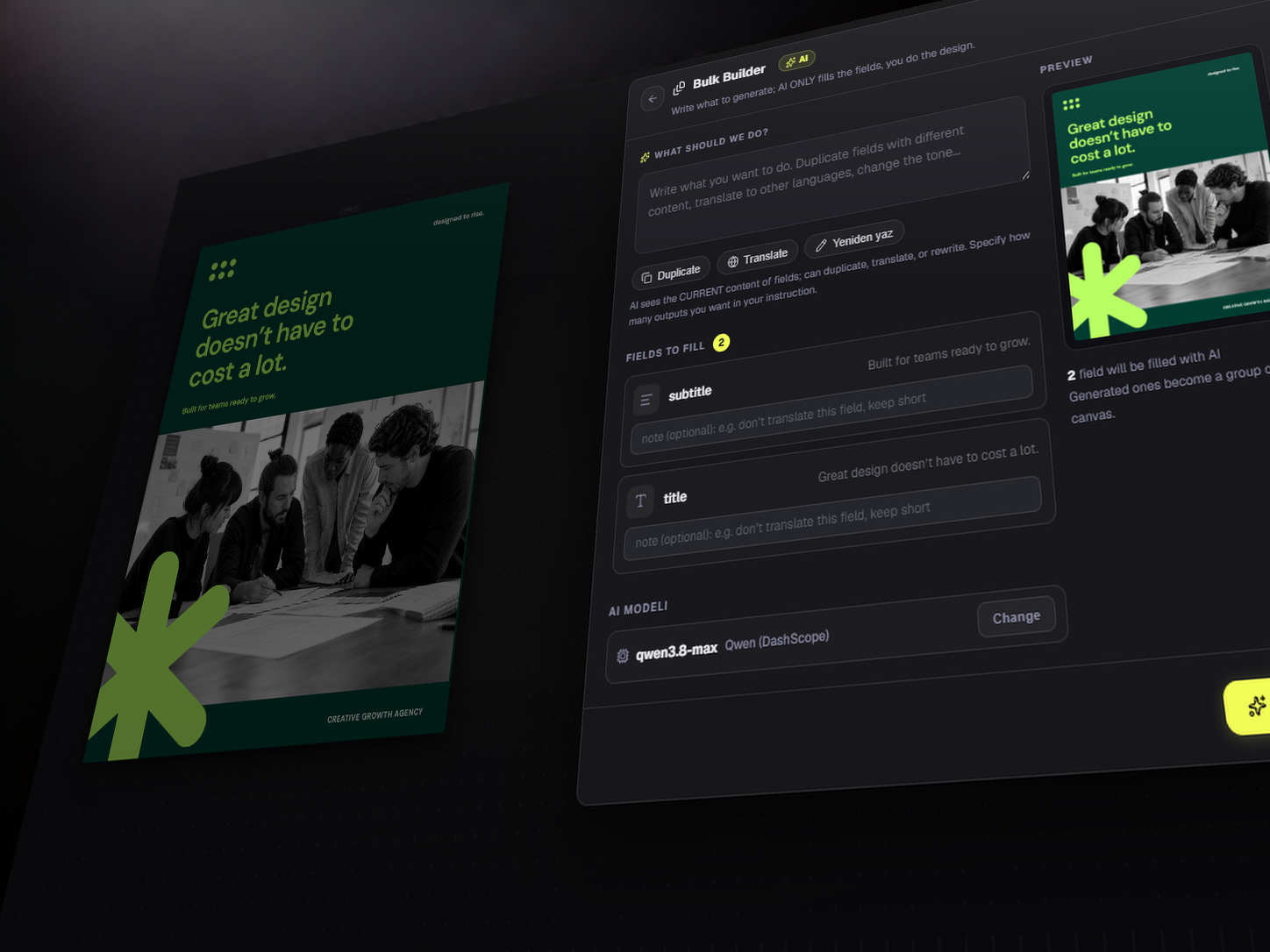
Changes land
in the store.
Automations write descriptions, galleries and prices back to WooCommerce, publish WordPress posts, and react to low stock.
Explore automations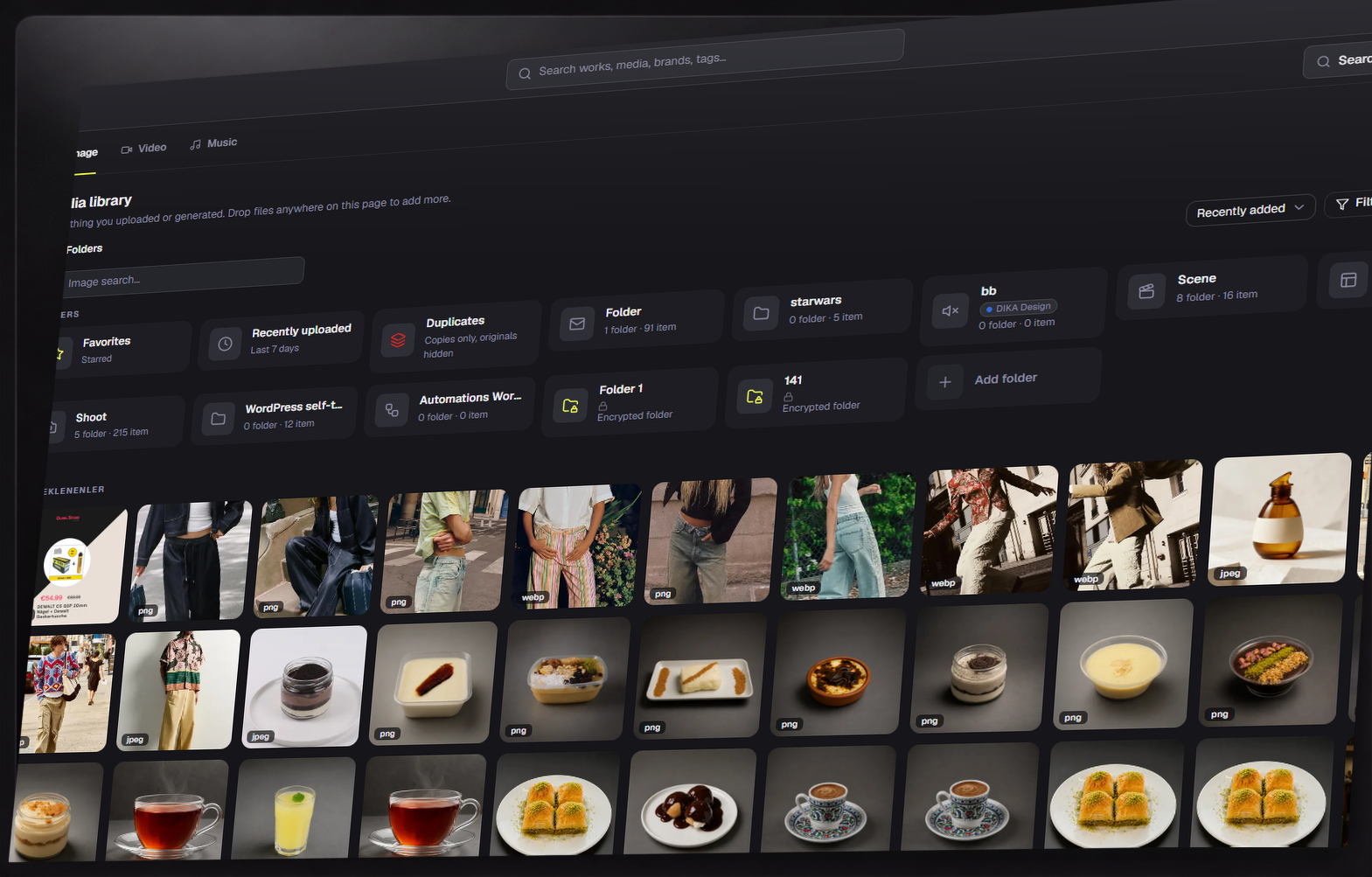
In from the catalog. Back to the store.
Products come in with their real names and prices; finished visuals, copy and price changes are written back, behind an approval gate.
From shelf to sold.
Connect it
Link your WooCommerce or WordPress site and bring the catalog in.
Generate it
Shoot products and build pages from the real catalog rows.
Sync it
Write visuals, copy and prices back, on schedule, behind an approval gate.
Before you start.
Can I use Dika Studio for free?
Yes. Open a free account whenever you want. You can explore community work, keep using the editor and connect your own provider key without starting a paid plan.
What happens when managed credits run out?
Managed generation pauses. Your projects and editor remain available, and you can add a one-time credit pack or continue with an approved provider key.
Can I change or cancel my plan?
Yes. You can change or cancel from the customer panel. Cancellation stops the next renewal; your current access continues through the paid period.
Built for the whole launch.
Start the idea. Finish the work.
Free to start, source available, and every result stays editable.