One brief. Every channel.
Turn one product brief into campaign sets, channel variants and scheduled posts, with an approval gate before anything ships.
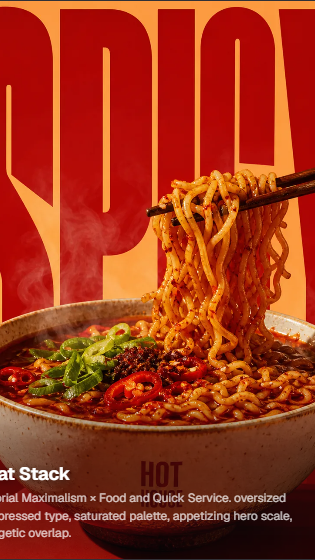
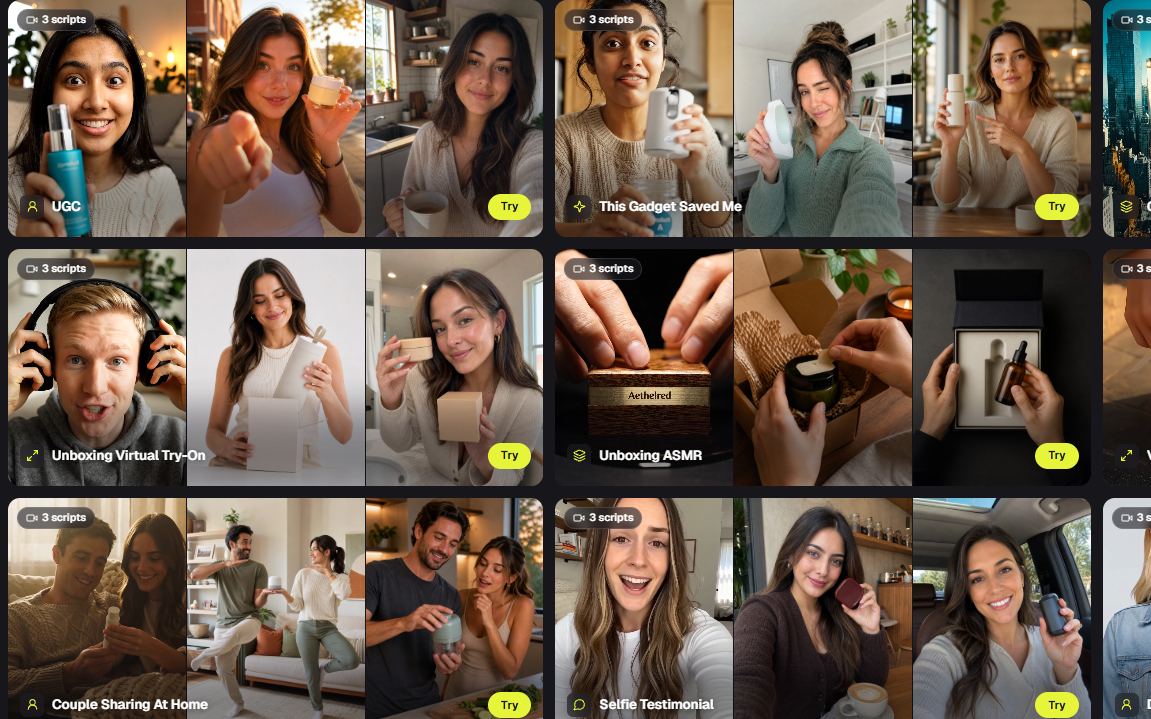
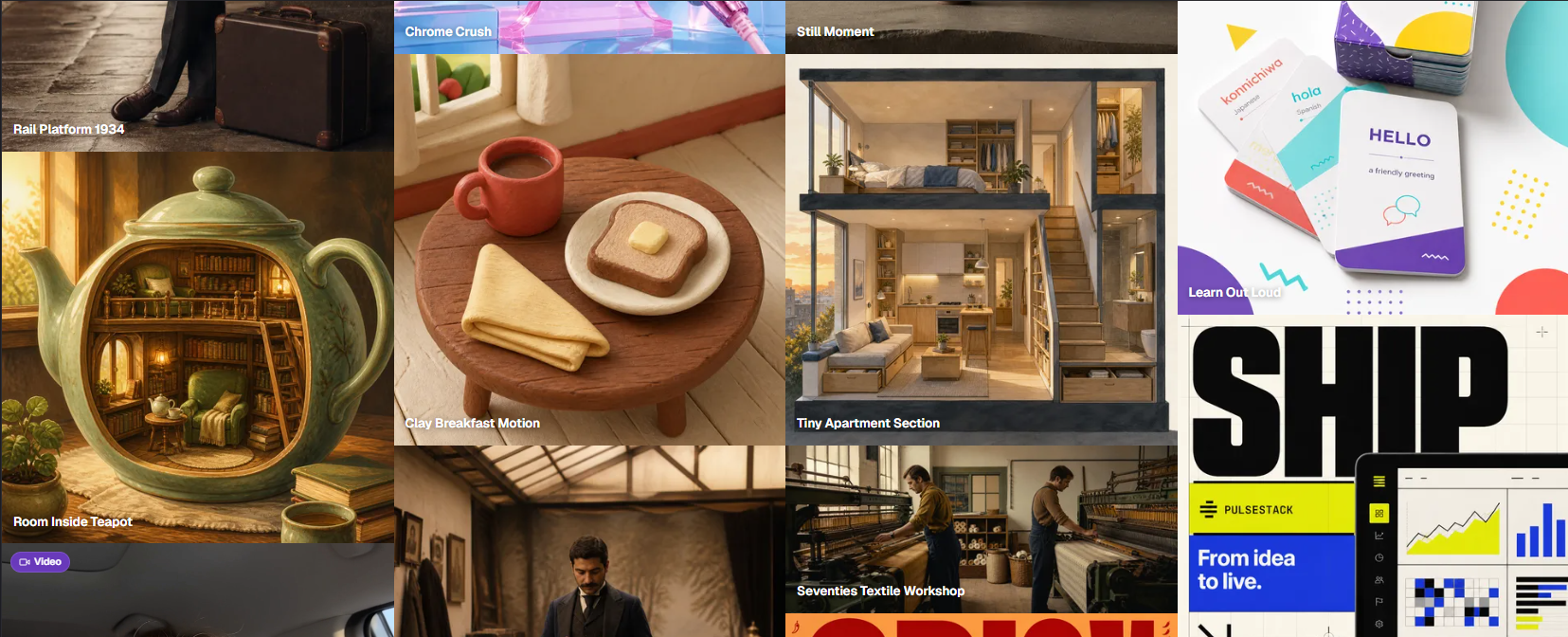
One brief in, a whole campaign out.
Campaign sets from one packshotPublishing on scheduleHard AI budget caps
From packshot
to campaign set.
One product photo becomes the feed, story and banner variants of a campaign, wearing your brand's colors and type.
Explore Campaign Studio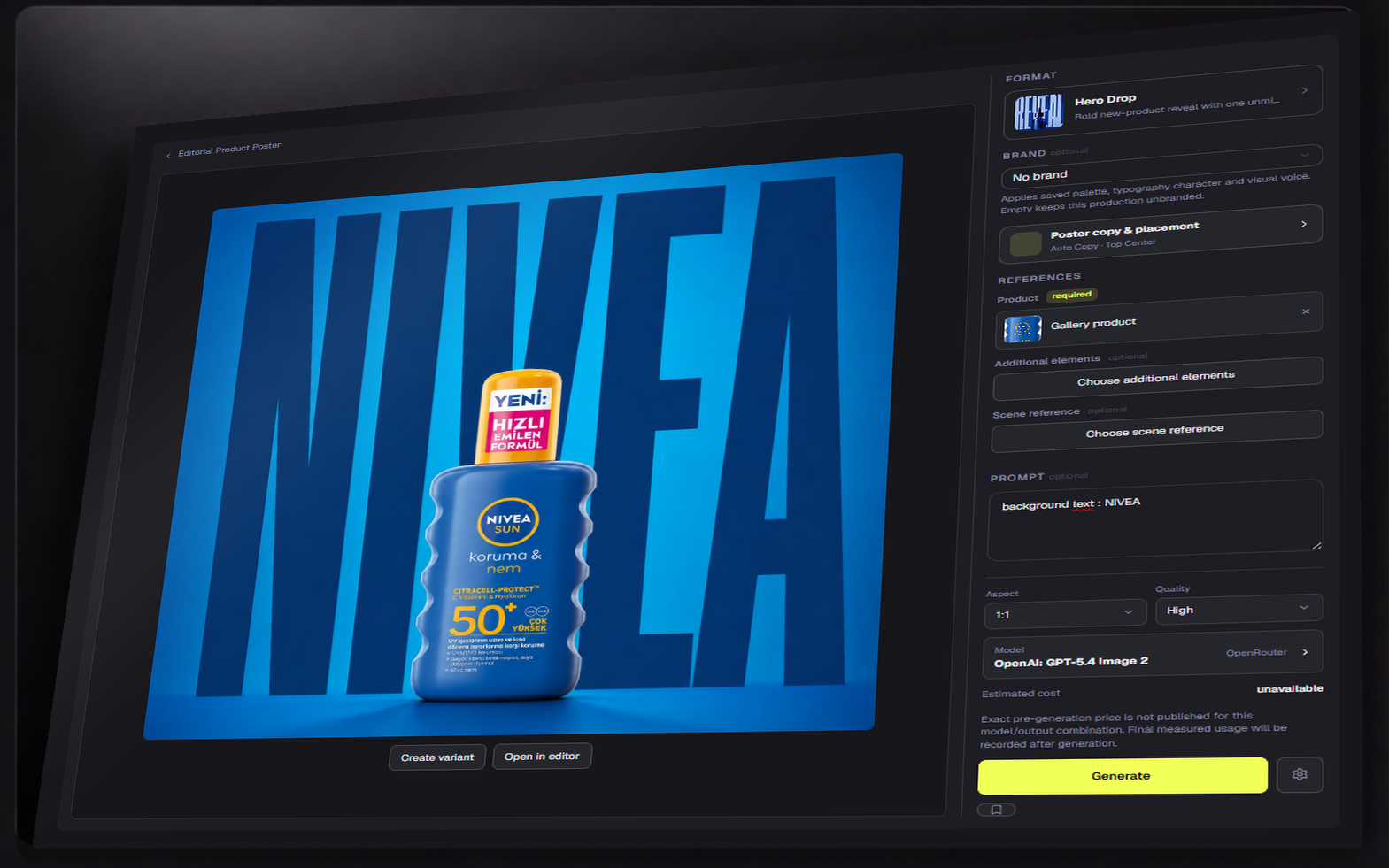
Publishing that
runs itself.
Schedules, AI steps, human approval gates and hard budget caps. Recurring posts ship on time; you approve the result.
Explore automations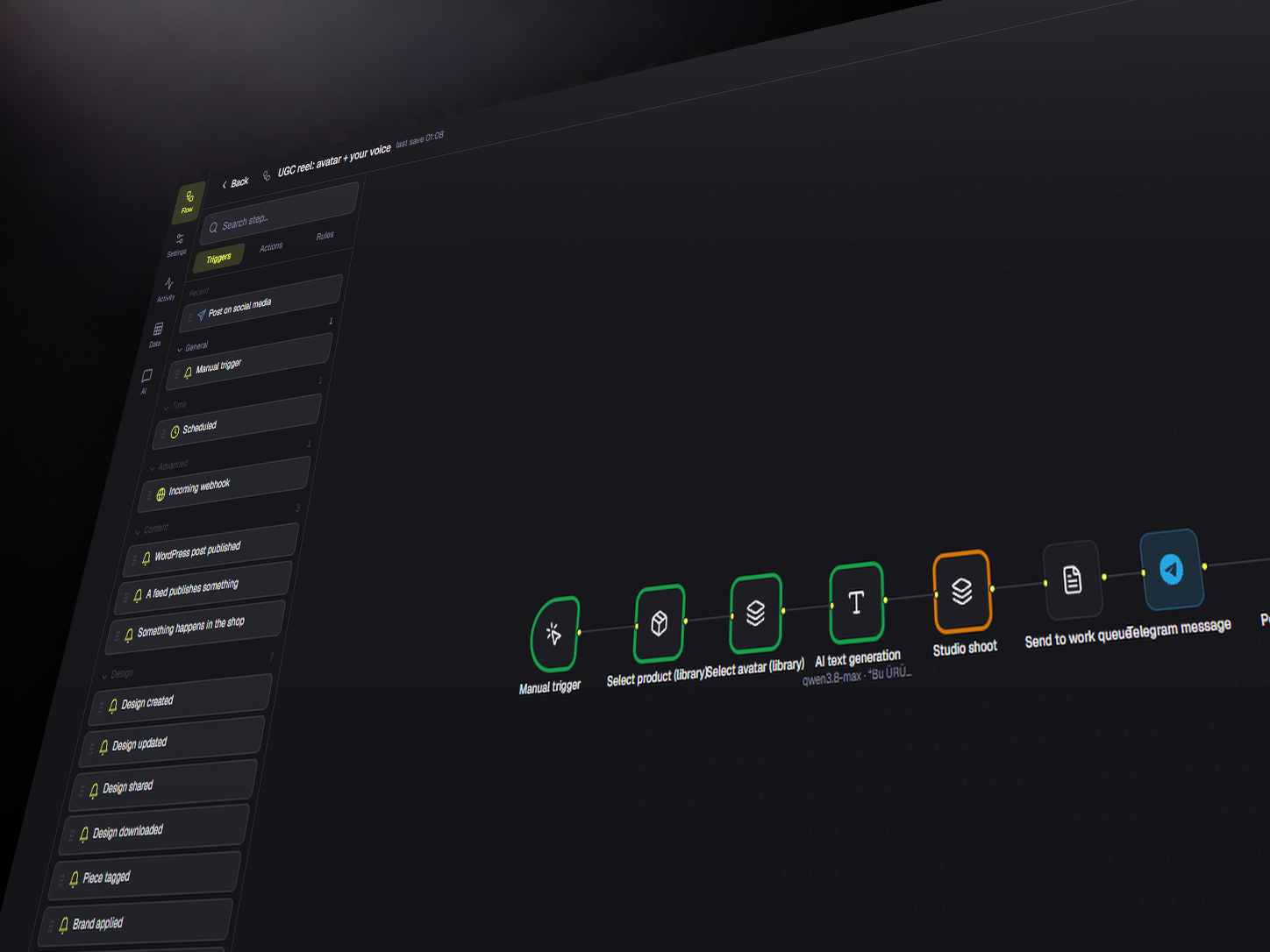
On brand,
every time.
Brand kits carry colors, type and logos across every format, and bulk pages fill one design from a whole product sheet.
Open the editor
One asset. Every ratio.
The same design re-laid for feed, story and banner, from one canvas, still editable in each size.
From brief to booked.
Brief it
Drop the product, pick a recipe format, set the channels.
Approve it
Review the generated set; nothing ships past the approval gate without you.
Schedule it
Automations publish on calendar, under a hard AI budget cap.
Before you start.
Can I use Dika Studio for free?
Yes. Open a free account whenever you want. You can explore community work, keep using the editor and connect your own provider key without starting a paid plan.
What happens when managed credits run out?
Managed generation pauses. Your projects and editor remain available, and you can add a one-time credit pack or continue with an approved provider key.
Can I change or cancel my plan?
Yes. You can change or cancel from the customer panel. Cancellation stops the next renewal; your current access continues through the paid period.
Built for the whole launch.
Start the idea. Finish the work.
Free to start, source available, and every result stays editable.