Blog
Notes behind the product
What we've learned across product, design, and the studio, plus the open source journey and the community. Short, honest, useful.

Dika Studio ile önemli gelişmeleri anında yakalayın
Her önemli gelişmeyi kaçırmamak için kanalları tek tek tarayıp bildirim metinlerini elle yazmak, düzenlemek ve tekrar tekrar göndermek sizi boğuyor. Bu tempolu uğraş dikkat dağıtıyor, gecikmelere yol açıyor ve ekibin gerçek işine odaklanmasını engelliyor. Dika Studio bu yükü bitiriyor; önemli gelişmeleri anında yakalayıp doğru bildirimleri sizin yerinize ulaştırıyor.
All posts
11 posts
Ses görüntü metni tek çizelgede özgürce yönet
Ses, görüntü ve metin parçalarını ayrı pencerelerde açıp zaman çizelgesine elle yerleştirmek, izleri tek tek hizalamak ve her ufak değişiklikten sonra her şeyi baştan denetlemek bitmek bilmeyen bir angaryaya dönüşüyor. Dağınık araçlar arasında savrulmak hem düzeni bozuyor hem yaratıcı akışı kesiyor. Dika Studio ses, görüntü ve metni tek çizelgede özgürce yönetmenizi sağlayarak bu sorunu bitiriyor.

Yapay Zeka ile Sosyal Medya İçin Görsel Üretimi
Dijital pazarlamanın hızla evrildiği günümüzde, sosyal medya platformlarında dikkat çekici ve özgün görseller oluşturmak markalar için hayati bir önem taşıyor. Yapay zeka teknolojileri, bu süreci hem hızlandırarak hem de maliyetleri düşürerek içerik üreticilerine yaratıcı anlamda sınırsız olanaklar sunuyor. Bu yazıda, yapay zeka destekli araçların sosyal medya stratejilerindeki rolünü ve etkili görsel üretimindeki potansiyelini inceleyeceğiz.
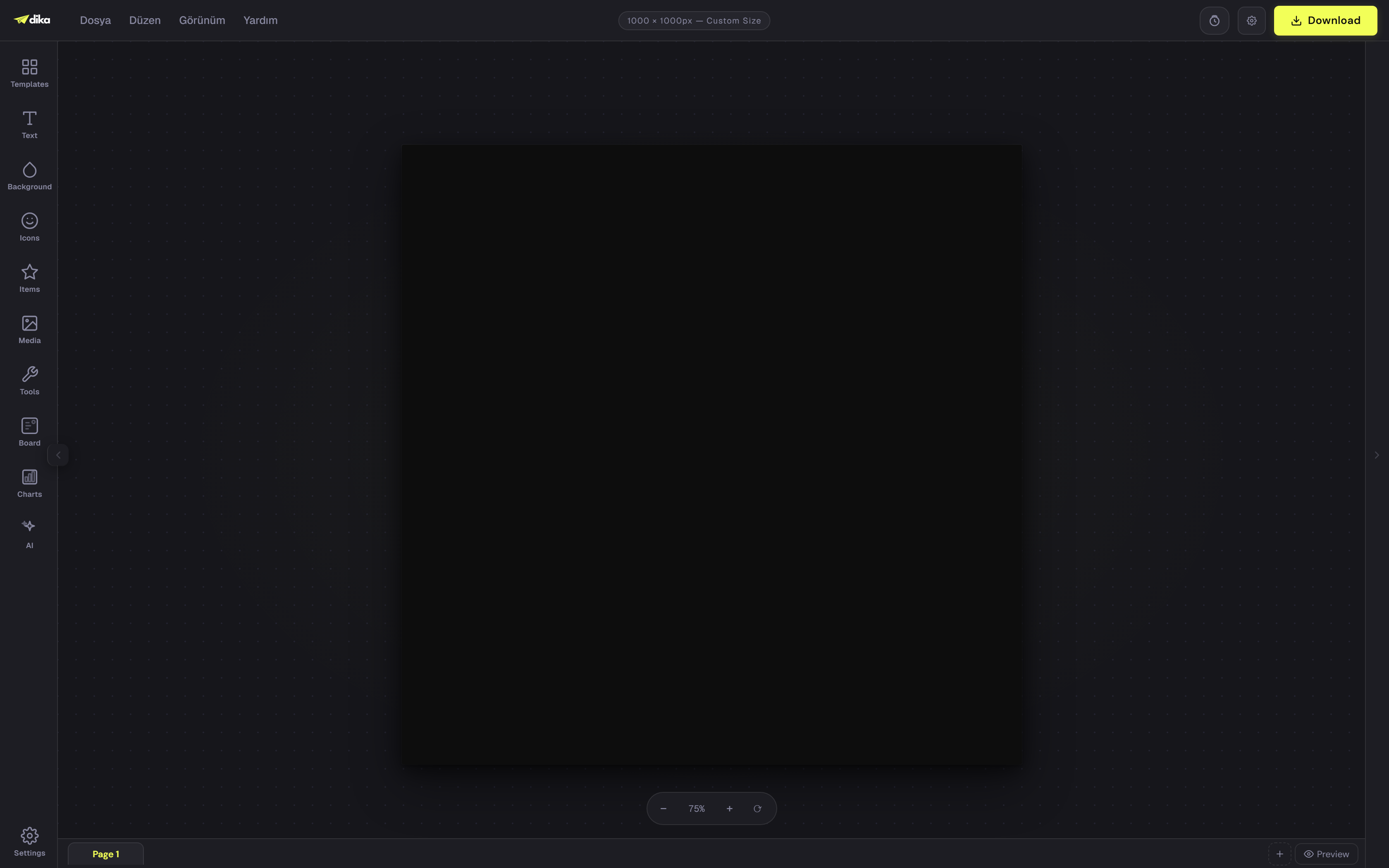
One project file, not a dozen apps
Most design tools assume one file holds one thing. A dika.studio project holds pages, an infinite canvas, slide decks, video, and boards all at once, in a single file instead of switching between separate apps for each one.
Work on a canvas that has no edge
A dika.studio project can hold an infinite-canvas scene right alongside your regular pages, built on the same engine as the rest of the design studio, with no fixed edge to run out of.
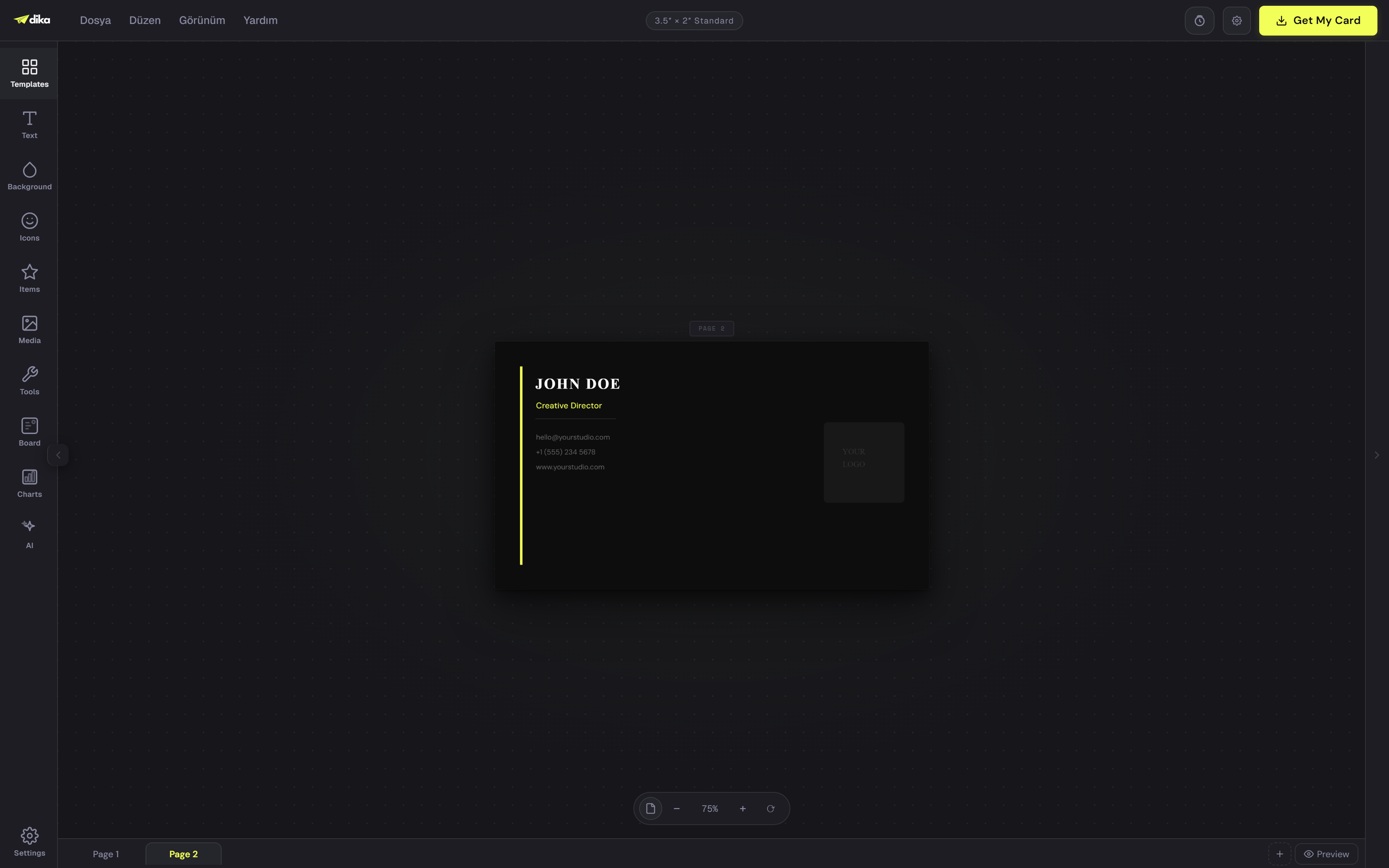
Video and slides, built on the same canvas
A video timeline and a slide deck live in the same project, on the same canvas, so a promo and the deck that pitches it never need two separate apps.
An AI that actually drives the editor
Bring your own key from any major provider, and the assistant doesn't just answer questions: it runs a real function-calling loop against the canvas and actually moves things.
The editor is. The platform is yours to run.
The editor you design in is, genuinely open source. The portal around it runs on a source-available license instead, and the difference is worth being precise about.
A tag for everything, a space for every brand
Tag a design down to a single object, keep every brand in its own space, and search across all of it instead of digging through folders.
Publish your work, build a public profile
Publish a template, a style, or a skill, and it shows up on a public profile page anyone can find and share, with real search metadata behind it.